
What Is the Google Health App? Features, Cost and Changes
Quick answer
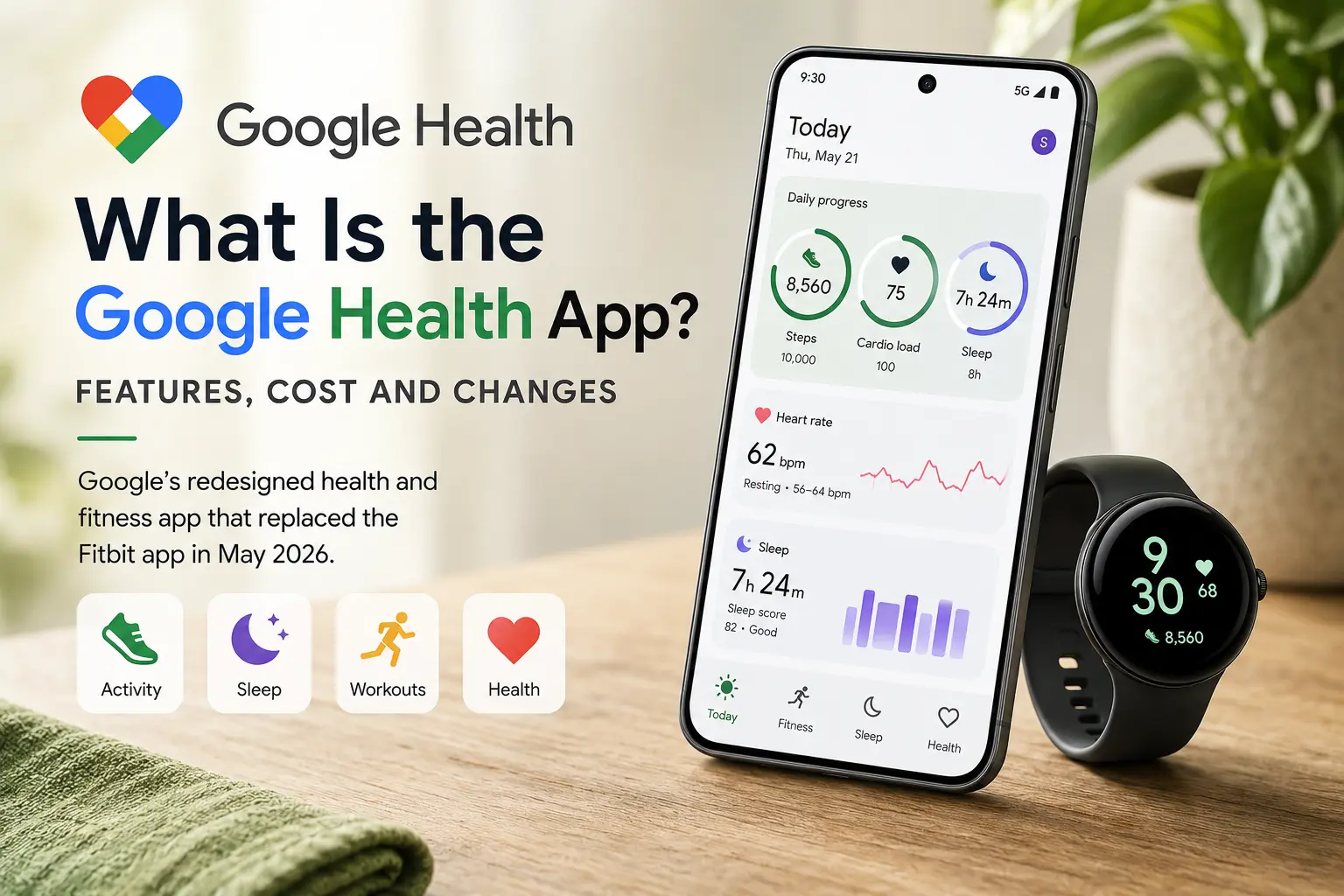
The Google Health app is Google's redesigned health and fitness app that replaced the Fitbit app in May 2026. It combines activity, sleep, workouts, health metrics and supported medical records in one place.
Existing Fitbit users received the change through an automatic app update rather than a separate download. Google Health can collect data from Fitbit devices, Pixel Watches, Health Connect, Apple Health and supported third-party apps.
The standard app is free. Google Health Coach, an AI-powered assistant built with Gemini, requires Google Health Premium plus a paired Fitbit or Pixel Watch.
Is Google Health just the Fitbit app with a new name?
Sort of, but Google changed a lot more than the branding.
Google announced the Google Health app on May 7th, 2026 and began rolling it out to Fitbit users on May 19th. Existing users did not need to install a separate app. The Fitbit app received a new name, icon and layout while supported account data transferred automatically, according to Google's announcement of the Google Health app.
You still use the app to pair a Fitbit or Pixel Watch, review workouts, check sleep and follow health trends.
Your supported Fitbit history remains associated with your account, including activity, sleep and heart rate data. However, several older features were removed. Badges, Sleep Profile, direct messages, Groups and the Community Feed are no longer available.
The bigger change is that Google Health is no longer limited to Fitbit data. It is designed to bring information from multiple apps, devices and health services into one dashboard.
How does the app work?
Google Health organizes data into separate areas for daily activity, fitness, sleep and general health.
Users with a paired Fitbit or Google Pixel Watch will see four main tabs:
- Today: A customizable daily dashboard with recent activity, sleep and health metrics
- Fitness: Workouts, activity history, cardio load and other fitness metrics
- Sleep: Sleep duration, stages, Sleep Score and consistency trends
- Health: Vitals, nutrition, cycle health, mental wellbeing and medical records
Users without a Fitbit device or Pixel Watch only see two main tabs: Today and Health.
Some parts of the four-tab experience depend on Google Health Premium. Coach messages on Today, personalized weekly fitness plans and AI-generated workout suggestions require a Premium account.
Google provides a full breakdown in its guide to navigating the Google Health app.
The redesign also introduced expanded weekly leaderboards for steps and cardio load. Cycle health gained improved logging, irregularity trends and a more interactive calendar.
What data can you track?
What you see depends on your device, connected apps and the permissions you grant.
Supported categories can include:
- Steps and distance
- Workouts and exercise routes
- Active calories
- Heart rate and resting heart rate
- Heart rate variability
- Blood oxygen
- Respiratory rate
- Body and skin temperature
- Sleep duration and sleep stages
- Weight and body fat
- Nutrition and hydration
- Cycle health information
- Mindfulness sessions
- Medical records
Google Health may combine information from more than one source within the same metric. Opening a metric lets you review where the data came from.
Not every connected device shares every measurement. Values can also look slightly different from what you see in the source app since each platform processes and displays data in its own way.
What apps and devices can you connect?
Google Health supports several connection methods.
| Data source | Syncs to Google Health | More context |
|---|---|---|
| Fitbit devices | Yes | Connect directly after device setup. |
| Pixel Watch | Yes | Connects directly through the Google Health app. |
| Health Connect (Android) | Yes | Shares supported data between compatible Android health and fitness apps. |
| Apple Health (iOS) | Yes, read-only | Google Health can import supported Apple Health data but cannot send data back to Apple Health. |
| Medical records | Yes | Supports lab results, vitals, medications and other records from eligible US providers. |
| Third-party apps | Yes | Connect through Health Connect, Apple Health or a supported direct integration. |
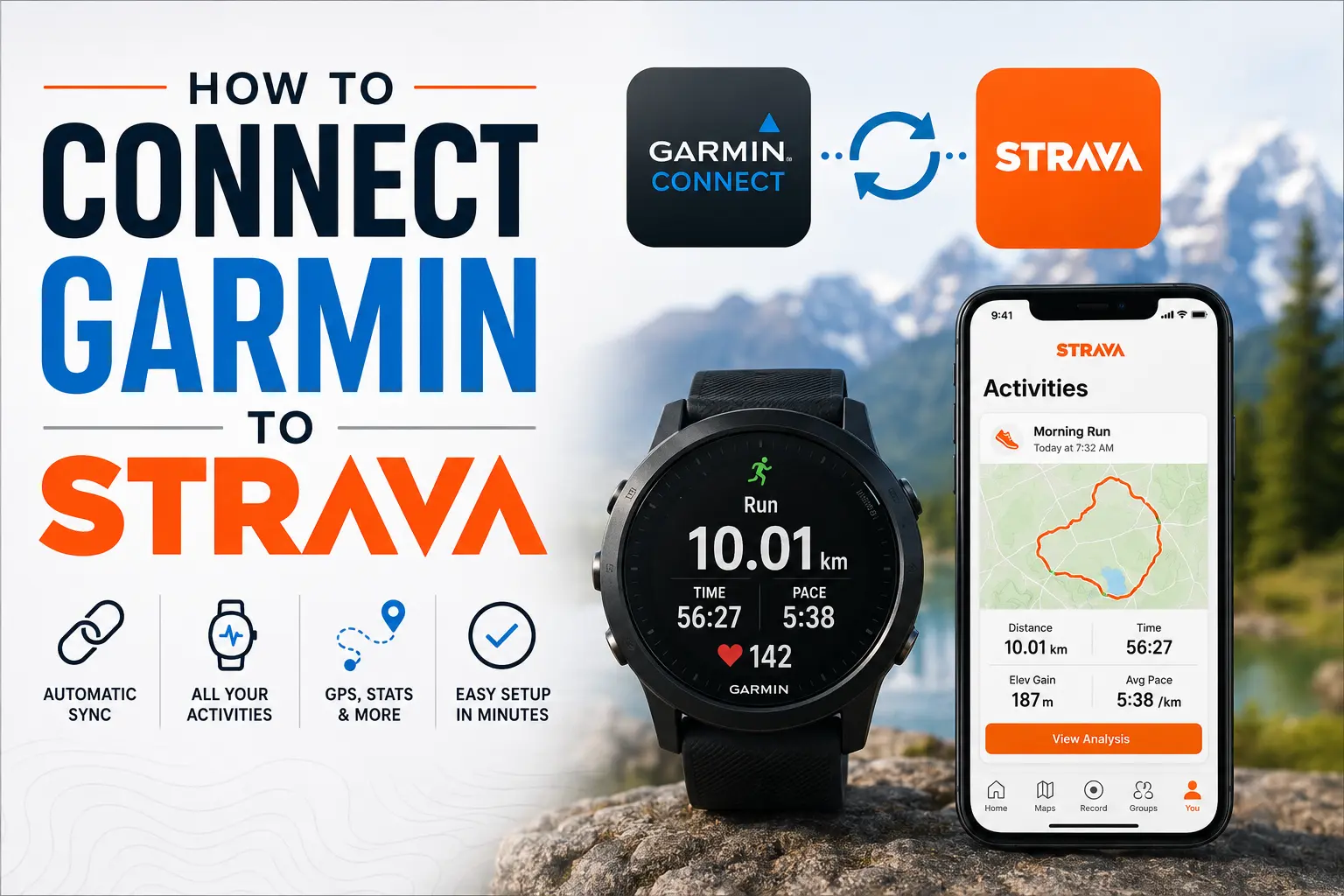
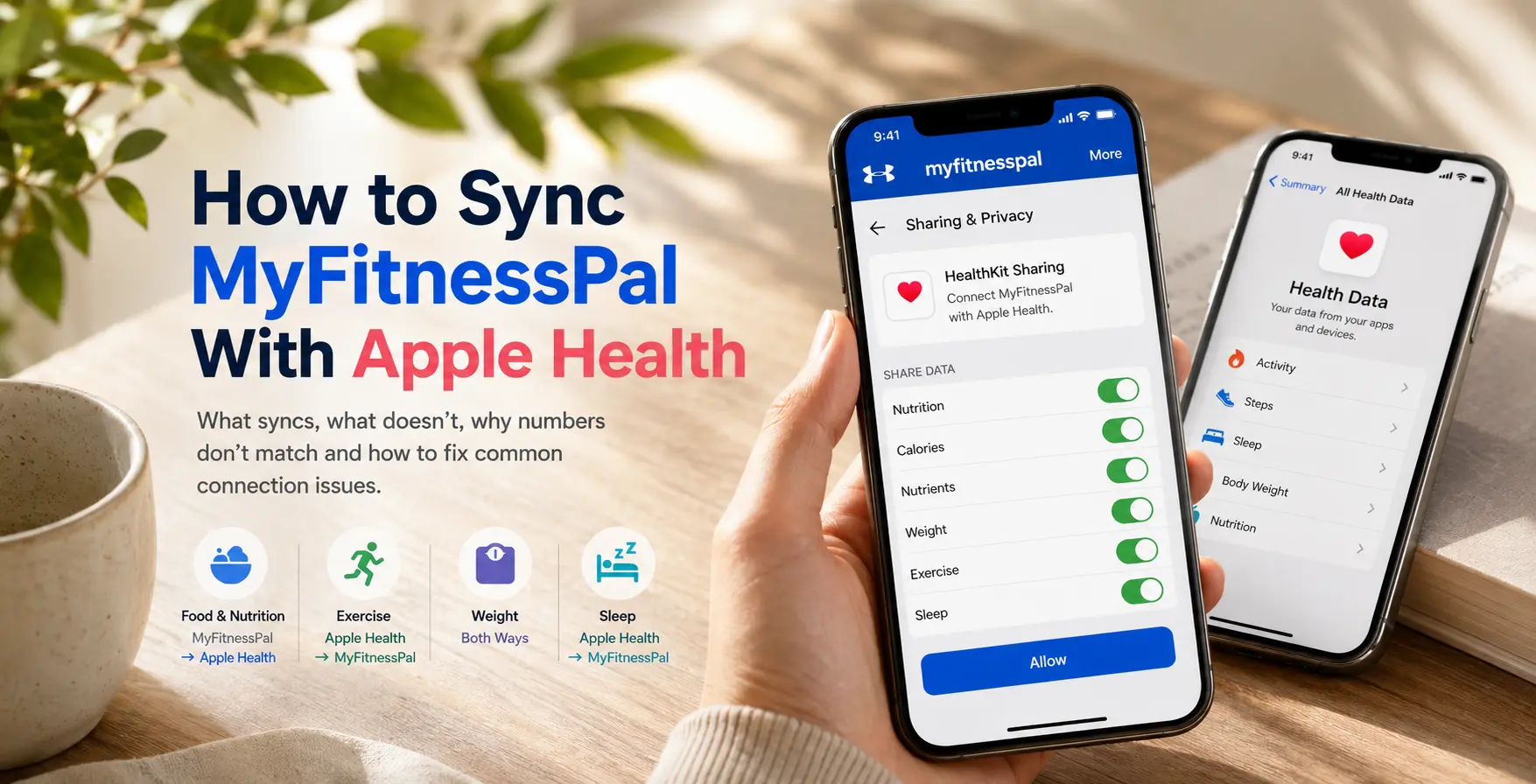
Google says the redesigned app works with hundreds of apps and devices across these connection methods. For example, you can connect data from your Garmin or MyFitnessPal app.
If you're piecing together data from more than one of these sources, a tool like Sonar can pull them into a single dashboard alongside Google Health.
Medical records
Users in the US can connect supported medical records and view information such as:
- Lab results
- Medications
- Vaccines
- Vitals
- Procedures
- Conditions
- Visits
Medical record availability depends on the provider, record service and permissions you have enabled.
What is Google Health Coach?
Google Health Coach is an AI-powered coaching feature built with Gemini. It draws on data from your paired devices, profile and connected apps to give you more personalized insights.
The coach can:
- Build a personalized weekly fitness plan with daily workout recommendations
- Create workouts through natural-language requests
- Review your sleep consistency and offer tips to hit your sleep goals
- Explain recent health and fitness trends
- Send personalized messages throughout the day, like a morning readiness check or a post-workout recap
- Answer questions 24/7 about your health and workout data
How much does Google Health Premium cost?
Google Health Premium costs $9.99 per month or $99 per year.
In addition to Google Health Coach, the subscription gets you a video library of workouts, mindfulness and meditation content, proactive insights, adaptive fitness plans and more. Google AI Pro and Google AI Ultra subscribers get Google Health Premium at no extra cost, but still need a paired Fitbit device or Pixel Watch to unlock it.
The standard Google Health app is free and can be used without a Premium subscription.
Frequently Asked Questions (FAQ)
Is Google Health Coach available in my country?
Google Health Coach is currently available in 37 countries, including the United States, United Kingdom, Germany and Australia.
Does Google Health work with Apple Watch?
Yes. Apple Watch data can appear in Google Health through Apple Health. Supported information can include steps, workouts, routes, sleep, heart rate, HRV, blood oxygen and respiratory rate.
What is the difference between Google Health and Health Connect?
Google Health is the app where you view health data, manage connected devices and seek insights into your performance. Health Connect is an Android system that lets compatible third-party apps exchange supported health data. It is not considered a replacement for the Google Health dashboard.
About Sonar
Your body is talking. Are you listening? Sonar unifies all of your wearables, lifestyle, and biomarker data to unlock personalized insights and detection once reserved for elite athletes and biohackers. Trusted by 250,000+ users across 170+ countries, Sonar helps you cut through the noise across sleep, recovery, stress, activity, and nutrition - so you can focus on what actually matters. Sonar isn't just another health tracker. Launched out of Columbia University in New York, it merges the latest medical, sports and data science with AI engines that continuously surface subtle shifts and patterns across millions of data points, helping you know when to push, when to pause, and where to focus next.
More to Explore
July 17, 2026
July 13, 2026
July 9, 2026
Get the latest from Sonar
Share your email to stay up-to-date with all things Sonar
- English (Canada)
- Bahasa Indonesia
- Bahasa Melayu
- Català
- Čeština
- Dansk
- Deutsch
- English
- English (Australia)
- English (UK)
- Español (España)
- Español (Latinoamérica)
- Español (México)
- Français
- Français (Canada)
- Hrvatski
- Italiano
- Magyar
- Nederlands
- Norsk
- Polski
- Português (Brasil)
- Português (Portugal)
- Română
- Slovenčina
- Slovenščina
- Suomi
- Svenska
- Tiếng Việt
- Türkçe
- Ελληνικά
- Русский
- Українська
- עברית
- العربية
- हिन्दी
- ไทย
- 한국어
- 日本語
- 简体中文
- 繁體中文
EN