
Fitbit Edge Features Ranked by What They Actually Tell You About Your Health
Quick summary
Google announced the Fitbit Edge on October 12. It's priced at US$179.99 and arrives in stores October 27. The features worth paying attention to are the ones that work without you needing to do anything. Continuous heart rate and overnight HRV feed a recovery score each morning. Automatic workout detection logs the sessions you forget to start. The seven-day battery means you rarely lose a night of sleep data. Health Guardian blood pressure and insulin resistance trends add helpful monthly context. On Edge, however, they require a Google Health Premium subscription.
Fitbit Edge features ranked by usefulness
| Feature | What it tells you | How useful | Worth knowing |
|---|---|---|---|
| Overnight HRV and skin temperature | How well you recovered last night | High | Feeds a morning recovery score |
| Continuous heart rate | How your resting heart rate trends week to week | High | Best used as a weekly barometer, not a daily metric |
| Automatic workout detection | Activities you forgot to log | High | Recognises up to 100 workout types |
| Seven-day battery | Nothing directly | High | Fewer missing nights of sleep data |
| Built-in GPS and altimeter | Pace, route and elevation | Medium | Works without your phone |
| Health Guardian trends | Which direction blood pressure and insulin resistance are going | Medium | Requires Google Health Premium on Edge |
| ECG app | Your heart rhythm at a moment in time | Medium | Useful when something feels off |
| Display with Maps and notifications | Nothing new about your health | Low | A nice-to-have that adds convenience |
The features that work while you ignore them
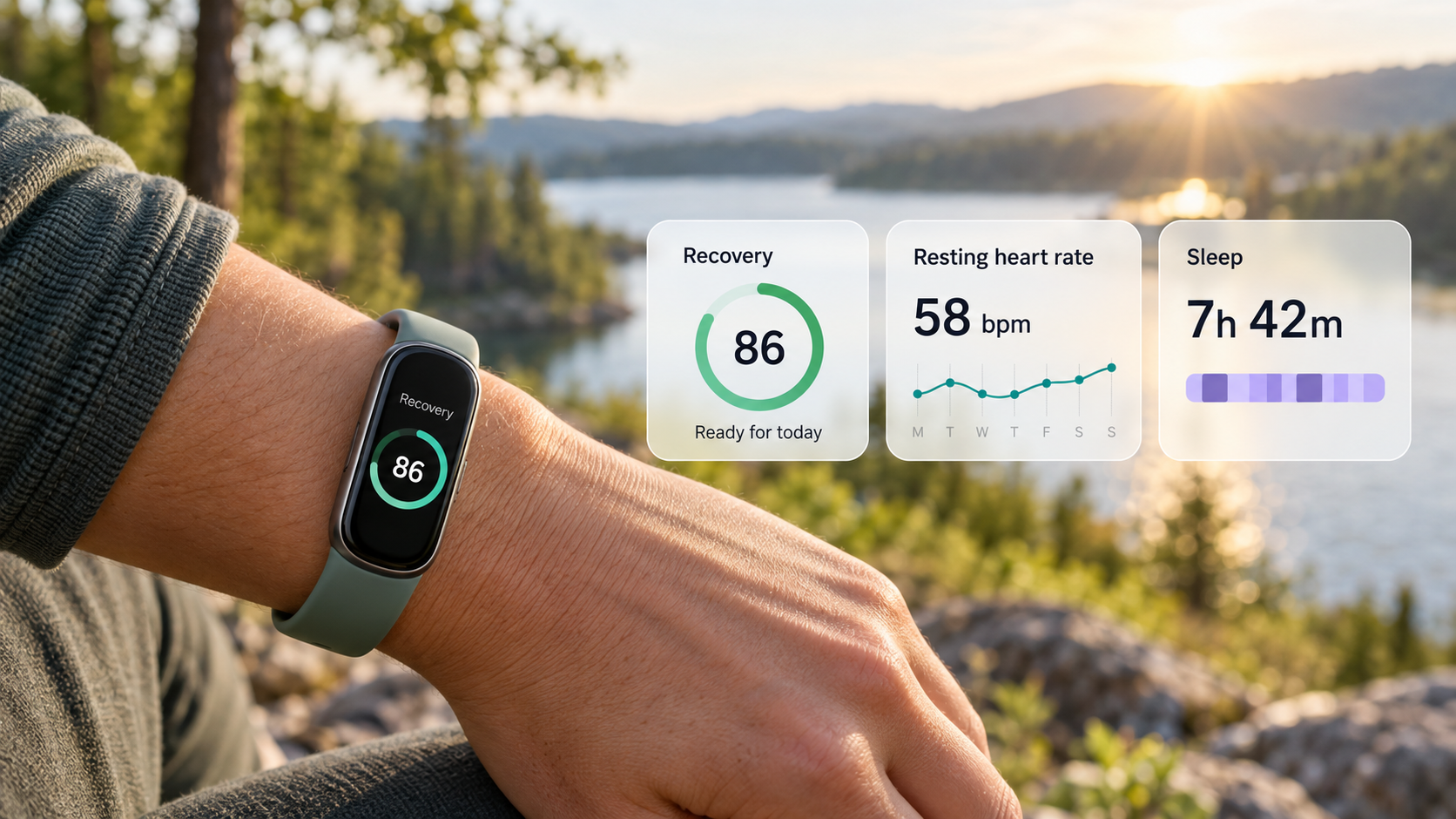
Edge's best health tools are the ones you never have to open. It tracks heart rate around the clock and uses a dedicated skin temperature sensor alongside HRV and sleep stages to give you a recovery score each morning. On its own, the recovery score is just a number. But give it a few weeks to collect data and you'll start seeing things like how a late dinner or a hard workout affects your recovery.
Automatic tracking is the other quiet win. Edge can recognise up to 100 workout types even if you never press start. According to Google's latest Google Health update, a session gets saved if your heart rate remains elevated and it hits your minimum duration threshold (Google uses 15 minutes as a default). You'll typically see the activity in your app within 30 minutes. A dog walk and a basketball shoot-around both count toward your weekly goals without you even thinking about it.
Then there's the battery, which sounds mundane unless you've previously worn something like an Apple Watch. I still wear mine but find that it needs to be charged at least once a day, sometimes twice, depending on my usage. I got into the habit of charging it on my bedside table before bed and often forgot to put it back on which led to patchy sleep data. If I felt run down or over-stressed, I wasn't able to fully trust my data because sleep is such a big part of that. Edge is rated for up to seven days per charge and just five minutes on a 30W adapter (sold separately) buys you a full day, so you can top it up while you shower and stop losing valuable data.
GPS rounds out the suite. Google says Edge maps routes up to 40% more accurately than earlier Fitbit models and adds an altimeter for hills so your phone can stay home on a run. I expect this feature to be overlooked, but as a runner, I appreciate the work the engineers put into it.
Health Guardian is useful if you read it right
Health Guardian is a major selling point even though it's not unique to the Edge device. It watches in the background for shifts in blood pressure and insulin resistance in addition to unusual changes in heart rate. That said, there are two things worth knowing before you go all in.
First, it isn't free on Edge. While Pixel Watch owners get these tools at no extra cost, Fitbit Edge and Air owners need a subscription to Google Health Premium. Google currently offers a generous free trial of three months that you should take advantage of but after that it's a paid feature.
Second, there is some protocol you should be aware of to fully utilise the AI. You receive one report on the first of each month and only if you've worn the tracker for at least five consecutive days in a week for blood pressure and at least seven days in the month for insulin resistance. Google says its blood pressure model was checked against a gold standard blood pressure monitor, but it still calls the feature general wellness and advises against using it to diagnose hypertension or adjust medication. If your report shows a persistently high trend, check your blood pressure on a home cuff and talk with your doctor.
The screen is about wearing it, not measuring more
Edge has the biggest display Fitbit has put on a tracker to date with 46% more viewing area than prior models. It handles Google Maps and music controls and shows your notifications. Personally, I count these as quality-of-life wins. Fewer trips to my phone means less stress and fewer sync headaches.
At 11.5mm thin with a case Google says is 45% lighter than Apple Watch Series 12, it should be the kind of device you forget about at night. This matters as some wearers of fitness trackers complain about the comfort level of their device, especially when sleeping. Edge is also Google's first repairable tracker with a replaceable battery, so you don't need to purchase an entirely new device once the battery starts to go.
How Google Health ties it together
Everything Edge records flows into the Google Health app that replaced the Fitbit app earlier this year as part of a broader transition. Google Health Premium adds the Gemini-built Health Coach, which explains changes in your Health Guardian trends, adjusts your workout plan and gives you talking points to bring to your doctor. Premium costs US$9.99 a month or US$99.99 annually, and it's included with Google AI Pro and Ultra plans.
Google is also pulling more sources into the app. Newly announced partners include MyFitnessPal for meal logs and Abbott's Lingo glucose monitor for US users, with Function Health lab results coming this autumn and a Flo cycle sync arriving early next year. If you're on iPhone, Google Health now syncs both ways with Apple Health.
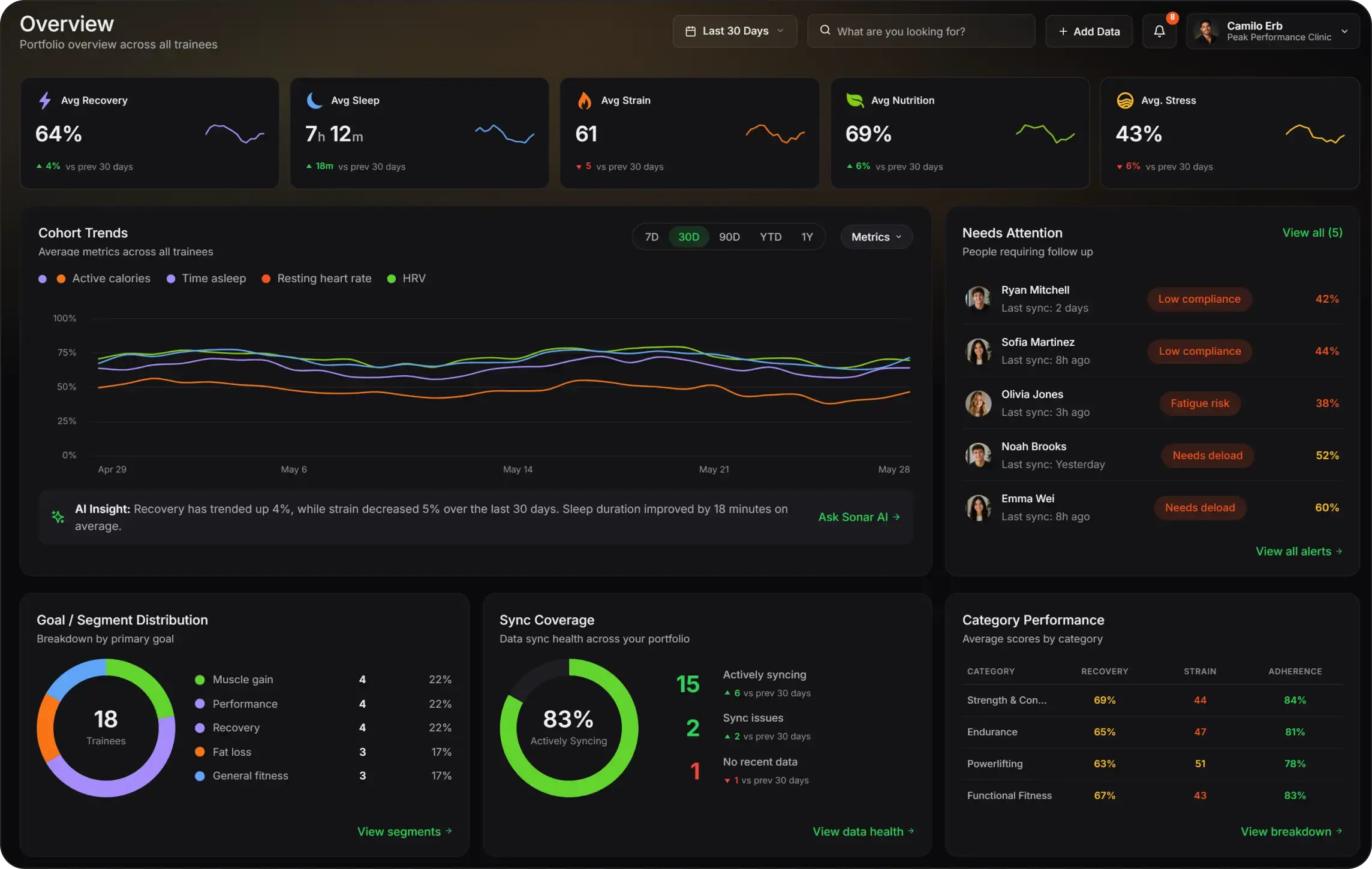
That works well if Google is your whole setup. Most people's health data is messier than that. Maybe you wear a smartring to bed, log rides in Strava or have years of history sitting in another app. If that sounds familiar, an app like Sonar can pull all those sources into one unified platform, so your Edge data sits next to everything else and you can see the full picture.
Where to take the numbers with a grain of salt
While wrist trackers are good at measuring heart rate, their calorie estimates still have room to improve. A 2017 Stanford study in the Journal of Personalized Medicine, which tested earlier-generation devices, found that most wrist devices measured heart rate well but estimated calories burned poorly in lab testing. Heart rate accuracy also varied with skin tone and body size. Treat the calorie number on Edge as general guidance and pay more attention to your heart rate and HRV trends.
FAQ
Does the Fitbit Edge need a subscription?
No. Core tracking features work in the free Google Health app. Health Guardian and Google Health Coach do require Google Health Premium. Edge includes a three-month trial at no cost.
Can the Fitbit Edge measure blood pressure?
Not the way a cuff does. It estimates your monthly blood pressure trend from its optical and motion sensors and flags it if the trend stays high. Google recommends confirming any flagged trend with a home blood pressure monitor.
Does the Fitbit Edge work with iPhone?
Yes. Edge works with most phones running Android 11 or later and iOS 16.4 or later. You'll need a Google Account and the Google Health app.
About Sonar
Your body is talking. Are you listening? Sonar unifies all of your wearables, lifestyle, and biomarker data to unlock personalised insights and detection once reserved for elite athletes and biohackers. Trusted by 250,000+ users across 170+ countries, Sonar helps you cut through the noise across sleep, recovery, stress, activity, and nutrition - so you can focus on what actually matters. Sonar isn't just another health tracker. Launched out of Columbia University in New York, it merges the latest medical, sports and data science with AI engines that continuously surface subtle shifts and patterns across millions of data points, helping you know when to push, when to pause, and where to focus next.
More to Explore
Get the latest from Sonar
Share your email to stay up-to-date with all things Sonar
- English (UK)
- Bahasa Indonesia
- Bahasa Melayu
- Català
- Čeština
- Dansk
- Deutsch
- English
- English (Australia)
- English (Canada)
- Español (España)
- Español (Latinoamérica)
- Español (México)
- Français
- Français (Canada)
- Hrvatski
- Italiano
- Magyar
- Nederlands
- Norsk
- Polski
- Português (Brasil)
- Português (Portugal)
- Română
- Slovenčina
- Slovenščina
- Suomi
- Svenska
- Tiếng Việt
- Türkçe
- Ελληνικά
- Русский
- Українська
- עברית
- العربية
- हिन्दी
- ไทย
- 한국어
- 日本語
- 简体中文
- 繁體中文
EN