
How to Sync Oura to Apple Health: Step-by-Step Guide
Quick Answer
To sync Oura to Apple Health, open the Oura app, tap the menu icon, go to Settings → Data Sharing → Apple Health, turn on Connect to Health, then allow Oura to read and write the data categories you want in Apple Health. After your ring syncs in the Oura app, supported data such as sleep, heart rate, steps, active energy, workouts and respiratory rate can appear in Apple Health.
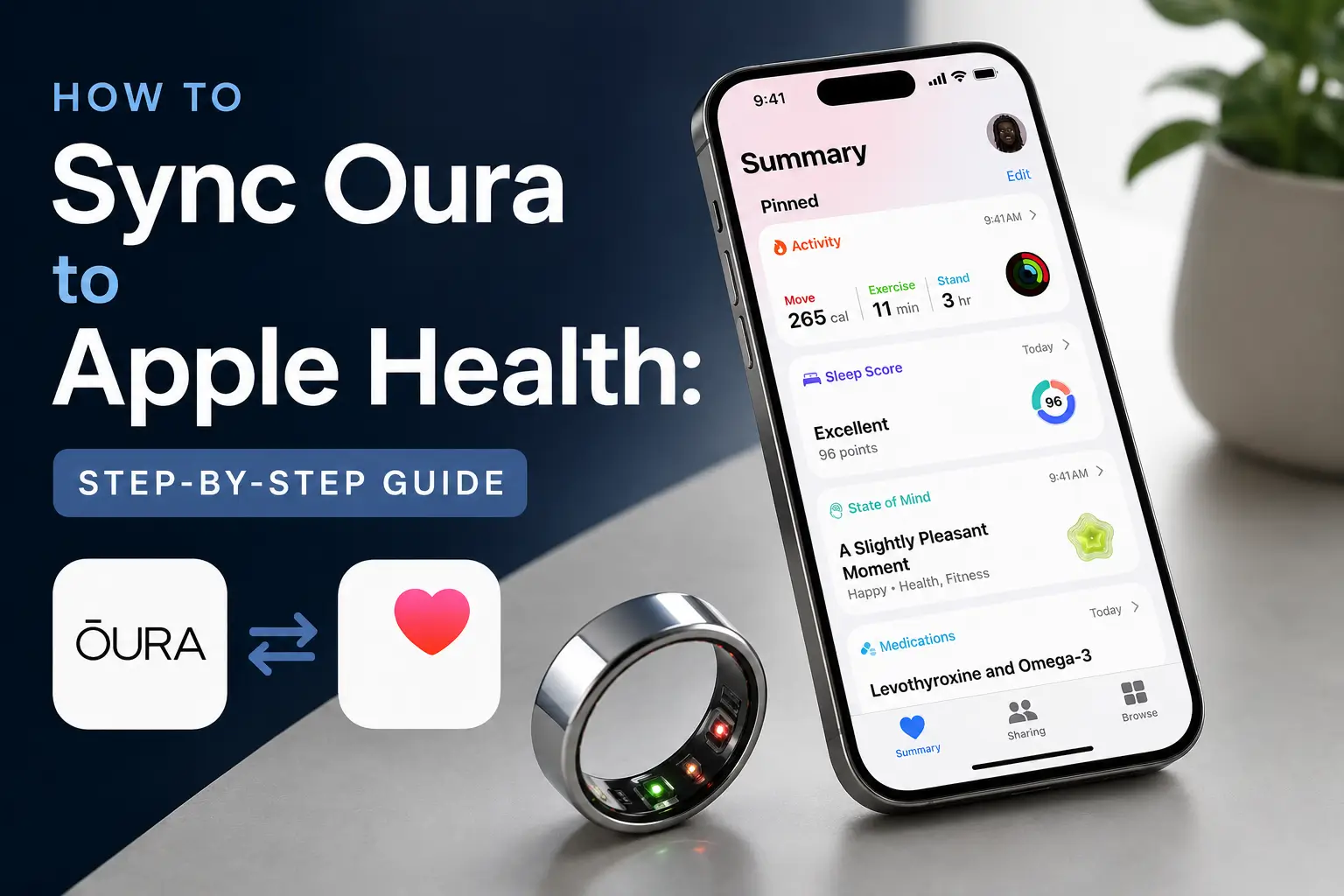
Does Oura Ring Work with Apple Health?
Yes. Oura Ring integrates directly with Apple Health on iOS, so you can view supported Oura data alongside other health data on your iPhone. Oura can write data such as sleep, heart rate, steps, active energy, respiratory rate, workouts, mindful minutes, height and weight to Apple Health when the right permissions are enabled. The integration is available for Gen2 rings, plus Gen3 and Oura Ring 4 with an active Oura membership.
Data can also flow from Apple Health back into Oura, but only for supported fields. Apple Health can share data such as workouts, workout routes, heart rate, height, weight, sex and date of birth with Oura. That means workouts recorded through Apple Health-connected apps may appear in Oura, while proprietary Oura metrics, such as Readiness Score, remain available in the Oura app rather than Apple Health.
What Data Syncs and What Doesn't
Not everything Oura measures has a matching field in Apple Health. Here's a clear breakdown:
| Data | Syncs? | Notes |
|---|---|---|
| Sleep | Yes | Includes sleep duration, start/end time, and sleep stages. |
| Heart rate | Yes | Oura lists heart rate export in one-minute intervals. |
| Steps | Yes | Can be prioritised in Apple Health to help reduce double-counting. |
| Active energy | Yes | Activity calories only; does not include basal metabolic rate. |
| Respiratory rate | Yes | Includes average nighttime respiratory rate. |
| Workouts | Yes | Can contribute to Apple's Move and Exercise rings. |
| Mindful Minutes | Yes | Syncs if Mindful Minutes sharing is enabled. |
| Weight / Height | Yes | Can sync if those permissions are enabled. |
| HRV | No | Oura does not currently write HRV directly to Apple Health. |
| Readiness Score | No | Oura's proprietary scores are viewed in the Oura app. |
How to Sync Oura to Apple Health
The integration is managed entirely from within the Oura app. If you skipped it during initial setup, follow these steps:
- Open the Oura app on your iPhone.
- Tap the menu icon in the upper-left corner.
- Tap Settings.
- Under Data Sharing, tap Apple Health.
- Turn on Connect to Health.
- In Apple Health permissions, allow the data categories you want Oura to read or write.
- Open the Oura app and let your ring sync.
Set Oura as Priority Source for Steps
If you carry your iPhone and wear your Oura Ring, both devices will report step counts and Apple Health may blend or double those numbers. The fix is to designate Oura as the priority source:
- Open Apple Health.
- Tap your profile picture in the top-right corner.
- Go to Privacy → Apps → Oura.
- Under the Steps data type, drag Oura to the top of the source list to make it the priority.
If double-counting persists even after setting priority, you can opt out of sharing steps from Oura entirely via Settings → Health → Data Access & Devices → Oura on your iPhone.
Troubleshooting: Oura Not Syncing to Apple Health
- Open the Oura app and let your ring fully sync.
- Open the Apple Health app after Oura finishes syncing.
- Confirm Apple Health permissions under Settings → Health → Data Access & Devices → Oura.
- Turn on Background App Refresh for Oura.
- Turn off Low Power Mode.
- Update iOS and the Oura app.
- In Oura, reset the Apple Health integration by turning sharing off and back on.
- Restart your iPhone.
- If needed, back up Oura data, reinstall the Oura app and reconnect Apple Health.
Oura's help doc specifically mentions that syncing problems can happen if both apps were not opened before midnight, Background App Refresh is disabled, or Low Power Mode is enabled.
Using Oura Data Beyond Apple Health
Apple Health is useful for storing Oura data, but it can be limited if you want to compare sleep, recovery, activity and data from multiple wearables in one place. If you use Oura alongside Apple Watch, Garmin, Fitbit, Strava or other apps, a health dashboard can make it easier to view trends across sources.
Sonar is one option for this. It connects with Apple Health and other wearable platforms, so users can view synced Oura metrics, including HRV, alongside broader health and workout data in one dashboard.
Frequently Asked Questions (FAQ)
Does Oura sync HRV to Apple Health?
No. Oura does not currently write heart rate variability (HRV) data directly to Apple Health. Oura can sync other metrics like sleep, heart rate, steps, active energy, workouts, respiratory rate, and mindful minutes, but HRV is not listed as an exported Apple Health data type in Oura's official Apple Health integration documentation.
Does Oura sync sleep to Apple Health?
Yes. Oura can sync sleep data to Apple Health, including sleep timing and sleep-related data. Keep in mind that Apple Health may display sleep data differently than the Oura app, so the charts or totals may not always look exactly the same.
Why is Oura not syncing to Apple Health?
The most common causes are missing Apple Health permissions, Background App Refresh being turned off, Low Power Mode being enabled, or the Oura app not syncing with your ring. Open the Oura app, let your ring sync, then check iPhone Settings → Health → Data Access & Devices → Oura to confirm permissions.
Does Apple Health sync back to Oura?
Yes, but only for supported data types. Apple Health can send certain data back to Oura, including workouts, workout routes, heart rate, height, weight, sex, and date of birth. This is why workouts recorded in apps like Apple Fitness, Strava, Nike Run Club, or Peloton may appear in Oura when those apps are connected to Apple Health.
About Sonar
Your body is talking. Are you listening? Sonar unifies all of your wearables, lifestyle, and biomarker data to unlock personalised insights and detection once reserved for elite athletes and biohackers. Trusted by 250,000+ users across 170+ countries, Sonar helps you cut through the noise across sleep, recovery, stress, activity, and nutrition - so you can focus on what actually matters. Sonar isn't just another health tracker. Launched out of Columbia University in New York, it merges the latest medical, sports and data science with AI engines that continuously surface subtle shifts and patterns across millions of data points, helping you know when to push, when to pause, and where to focus next.
More to Explore
Get the latest from Sonar
Share your email to stay up-to-date with all things Sonar
- English (Australia)
- Bahasa Indonesia
- Bahasa Melayu
- Català
- Čeština
- Dansk
- Deutsch
- English
- English (Canada)
- English (UK)
- Español (España)
- Español (Latinoamérica)
- Español (México)
- Français
- Français (Canada)
- Hrvatski
- Italiano
- Magyar
- Nederlands
- Norsk
- Polski
- Português (Brasil)
- Português (Portugal)
- Română
- Slovenčina
- Slovenščina
- Suomi
- Svenska
- Tiếng Việt
- Türkçe
- Ελληνικά
- Русский
- Українська
- עברית
- العربية
- हिन्दी
- ไทย
- 한국어
- 日本語
- 简体中文
- 繁體中文
EN