
How to Sync Garmin Connect With Apple Health
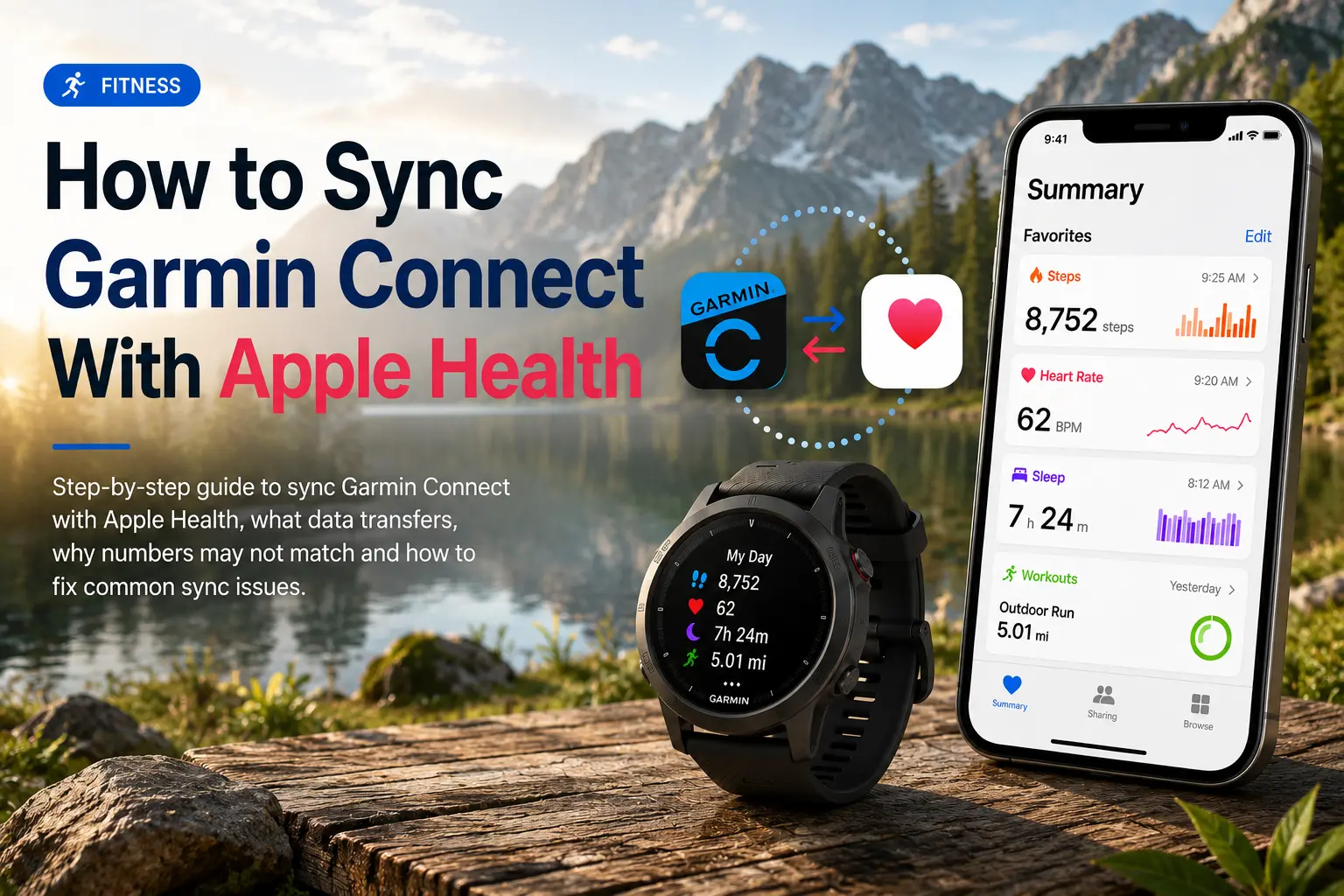
This guide explains how to sync Garmin Connect with Apple Health on iPhone, including what data transfers, why Apple Health numbers may not match Garmin, and how to troubleshoot common sync issues.
Quick Answer
To sync Garmin with Apple Health, open the Garmin Connect app, go to More → Settings → Connected Apps → Apple Health, then enable the health categories you want Garmin to share.
The key thing to understand is that this integration mainly sends supported data from Garmin Connect to Apple Health. It is not a full two-way sync that imports all Apple Health or Apple Watch data back into Garmin Connect.
That means Garmin can help populate Apple Health with data like steps, workouts, heart rate, sleep, active energy, walking/running distance, flights climbed, weight and related health metrics. But if you are trying to move Apple Watch data into Garmin Connect, Apple Health alone usually will not solve that.
What Garmin Data Syncs to Apple Health?
Before diving in, it helps to know what actually transfers. Garmin Connect pushes the following data categories to Apple Health:
- Steps and distance
- Heart rate (resting and active)
- Workouts (runs, rides, swims, strength sessions, etc.)
- BMI and Body Fat Percentage
- Sleep analysis
- Flights climbed
- Active energy
- Resting energy
One important note: the native Garmin + Apple Health connection is primarily one-way from Garmin Connect to Apple Health. Apple Health does not provide a full native sync back into Garmin Connect or your Garmin device.
How to Sync Garmin With Apple Health
Follow these steps on your iPhone:
- Open the Garmin Connect app.
- Tap More in the bottom-right corner.
- Go to Settings.
- Tap Connected Apps.
- Select Apple Health.
- Tap Connect with Apple Health.
- Choose the data categories you want to share.
- Tap Allow to confirm permissions.
- Sync your Garmin watch or device with Garmin Connect.
- Open Apple Health and check the relevant categories.
If Garmin Connect does not appear in Apple Health, start the setup from the Garmin Connect app first. Users note that the connection often works better when initiated through Garmin Connect rather than from Apple Health settings.
Why Garmin and Apple Health Numbers May Not Match
It is normal for Garmin Connect and Apple Health to show slightly different numbers. The most common reason is data source priority.
Apple Health can receive data from multiple places, including:
- iPhone
- Apple Watch
- Garmin Connect
- Third-party health tracking apps
- Smart scales
- Workout apps
If multiple apps are writing the same metric, Apple Health decides which source to prioritize. For example, your iPhone may be listed above Garmin Connect for steps, which can cause Apple Health to show iPhone step data instead of Garmin step data.
How to Prioritize Garmin in Apple Health
To make Apple Health prioritize Garmin data:
- Open the Health app.
- Tap Browse.
- Choose a category, such as Activity.
- Tap Steps.
- Scroll down to Data Sources & Access.
- Tap Edit.
- Move Garmin Connect higher in the list.
- Tap Done.
Repeat this for any metric where Apple Health and Garmin Connect do not match.
Troubleshooting Garmin and Apple Health Sync Issues
| Problem | Likely cause | Fix |
|---|---|---|
| Garmin Connect is not showing in Apple Health | Connection was not started from Garmin Connect | Go to Garmin Connect → Settings → Connected Apps → Apple Health |
| Garmin steps are missing | Step permissions are off | Re-enable Apple Health permissions for Garmin Connect |
| Apple Health steps do not match Garmin | Apple Health is prioritizing iPhone or Apple Watch | Move Garmin Connect higher in Data Sources & Access |
| Workouts are not appearing | Watch has not synced to Garmin Connect yet | Sync your Garmin device first |
| Data stopped syncing | App permissions or background sync issue | Restart both apps, check permissions, and resync your watch |
| Sleep data is missing | Sleep category permission may be disabled | Enable sleep permissions in Apple Health |
It's also worth toggling Garmin's Apple Health permissions off and back on again to help refresh the connection.
Getting More from Your Data
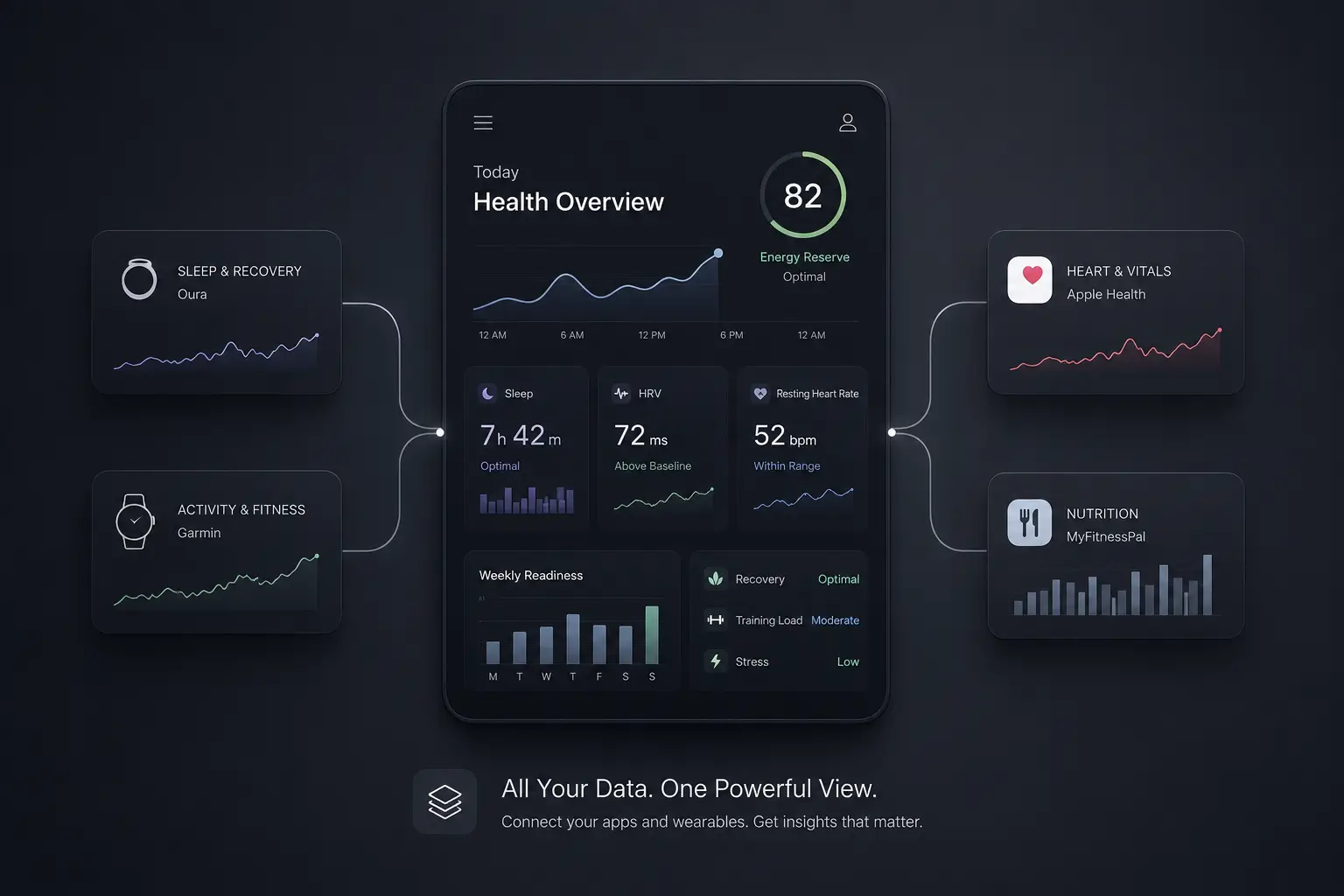
Once Garmin Connect is writing to Apple Health, other apps with Apple Health read permissions may be able to access compatible Garmin metrics. This can be useful if you use separate apps for nutrition, sleep, workouts or broader health tracking. Apps like Sonar, available on iOS and web, can help organize health data from multiple sources and also offer a direct Garmin integration for users who prefer to connect Garmin separately instead of relying only on Apple Health as the middle layer.
Frequently Asked Questions (FAQ)
Can Garmin sync with Apple Health?
Yes. Garmin Connect can sync supported Garmin data with Apple Health when you enable the Apple Health connection in Garmin Connect.
Why does Apple Activity show "Chart Unavailable" for Garmin workout heart rate?
Garmin syncs all-day heart rate data to Apple Health, but for timed activities it may only send high and low heart rate values instead of a detailed heart rate stream. As a result, the app may show "Chart Unavailable" for these types of heart rate graphs because there is not enough detailed activity heart rate data to display.
Does Garmin sync steps to Apple Health?
Yes, Garmin Connect can share step data with Apple Health. If the numbers look wrong, check Apple Health's Data Sources & Access settings and move Garmin Connect higher in the priority list.
Why is Garmin not syncing with Apple Health?
Common causes include disabled Apple Health permissions, Garmin Connect not being connected properly, your Garmin device not syncing first or Apple Health prioritizing another data source.
Does Apple Health sync back to Garmin Connect?
The native Garmin and Apple Health connection is primarily one-way from Garmin Connect to Apple Health. Apple Health does not provide a full native sync back into Garmin Connect or your Garmin device.
About Sonar
Your body is talking. Are you listening? Sonar unifies all of your wearables, lifestyle, and biomarker data to unlock personalized insights and detection once reserved for elite athletes and biohackers. Trusted by 250,000+ users across 170+ countries, Sonar helps you cut through the noise across sleep, recovery, stress, activity, and nutrition - so you can focus on what actually matters. Sonar isn't just another health tracker. Launched out of Columbia University in New York, it merges the latest medical, sports and data science with AI engines that continuously surface subtle shifts and patterns across millions of data points, helping you know when to push, when to pause, and where to focus next.
More to Explore
Get the latest from Sonar
Share your email to stay up-to-date with all things Sonar
- English
- Bahasa Indonesia
- Bahasa Melayu
- Català
- Čeština
- Dansk
- Deutsch
- English (Australia)
- English (Canada)
- English (UK)
- Español (España)
- Español (Latinoamérica)
- Español (México)
- Français
- Français (Canada)
- Hrvatski
- Italiano
- Magyar
- Nederlands
- Norsk
- Polski
- Português (Brasil)
- Português (Portugal)
- Română
- Slovenčina
- Slovenščina
- Suomi
- Svenska
- Tiếng Việt
- Türkçe
- Ελληνικά
- Русский
- Українська
- עברית
- العربية
- हिन्दी
- ไทย
- 한국어
- 日本語
- 简体中文
- 繁體中文
EN