
How to Sync Health Connect to Garmin (Step-by-Step Guide)
This guide explains how to sync Health Connect to Garmin Connect on Android, including what data transfers, how to enable permissions and how to troubleshoot common sync issues.
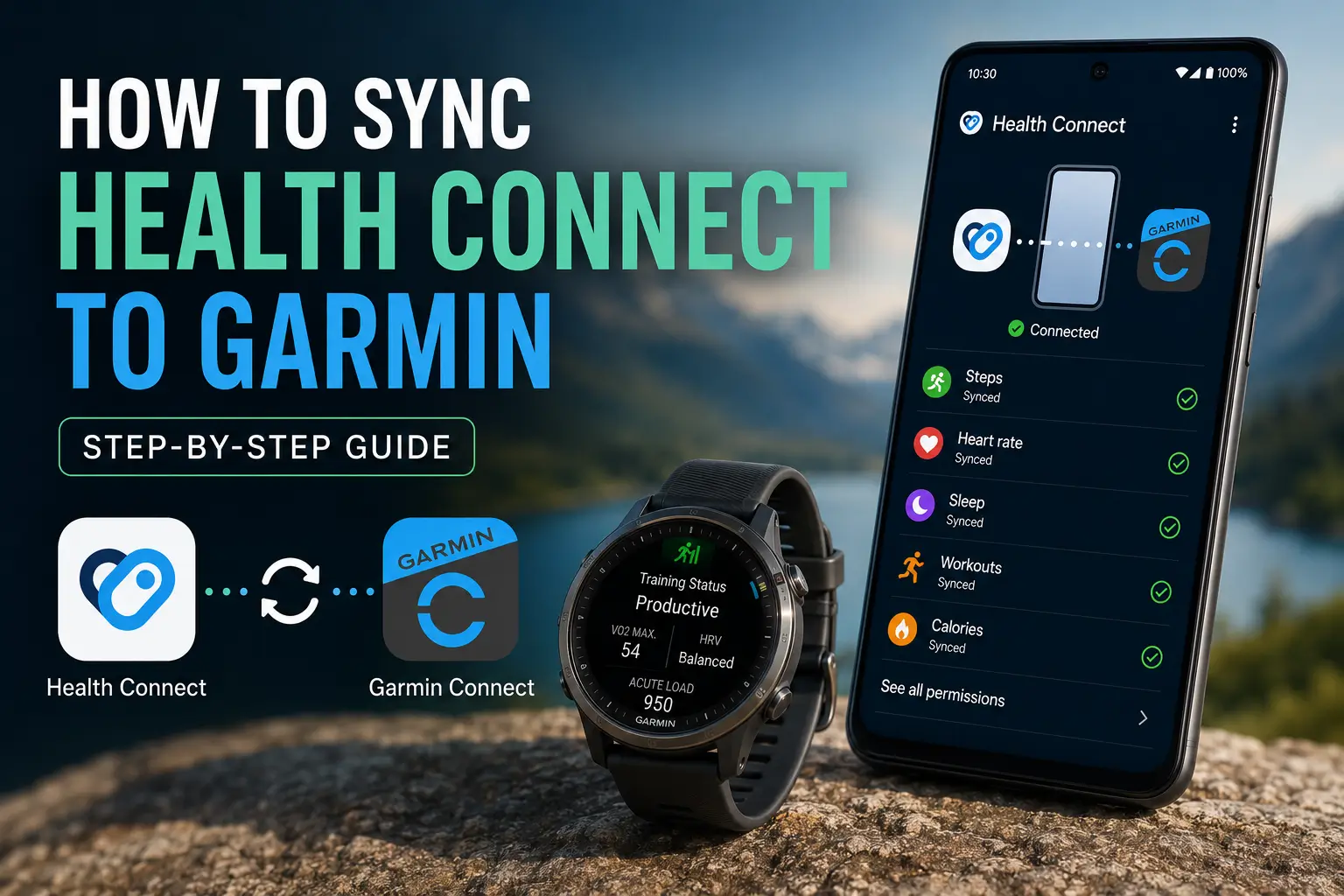
Quick Answer
To sync Health Connect to Garmin Connect:
- Install Health Connect.
- Update Garmin Connect.
- Open Garmin Connect → Settings → Health Connect.
- Enable Read and Write permissions.
- Sync your Garmin watch.
Data typically appears in Health Connect after your Garmin watch syncs to the Garmin Connect app via Bluetooth. Timing varies depending on your device and Android background activity settings.
What's the Difference? Health Connect vs. Garmin Connect
| Health Connect | Garmin Connect | |
|---|---|---|
| Made by | Garmin | |
| Purpose | Central data hub for Android health apps | Native platform for Garmin devices |
| Data stored | Steps, sleep, HR, workouts, nutrition | Garmin workouts, Body Battery, Training Load |
| Works with | Any compatible Android app | Garmin devices only |
By linking the two, your Garmin data flows into Health Connect, allowing permissioned apps to securely read your activity history, including up to 30 days of past data, and write new updates. Because this data is stored locally on your device, you maintain full control over which apps can access your specific health and fitness metrics.
What Garmin Data Syncs to Health Connect?
✅ Syncs to Health Connect
- Steps and daily activity
- Heart rate (resting and workout)
- Sleep duration and stages
- Calories burned
- Workouts and exercise sessions
- Weight and body composition
- Blood oxygen (SpO2)
❌ Stays in Garmin Connect only
- Body Battery
- Training Status and Training Load
- HRV Status
- Race predictor and advanced running metrics
How to Sync Health Connect to Garmin: 6 Steps
Step 1 — Confirm Health Connect is installed
On Android 14+, go to Settings > Health Connect. On Android 13 or earlier, download it from the Play Store.
Step 2 — Update Garmin Connect
Open the Play Store, find Garmin Connect, and make sure it's fully up to date. Older versions don't support the integration.
Step 3 — Navigate to Health Connect in Garmin Connect
Open Garmin Connect → More (☰) → Settings → Health Connect. (For the official walkthrough, see Garmin's support guide.)
Step 4 — Grant permissions
You'll see a list of data types with Read and Write toggles.
- Write: Garmin sends data to Health Connect.
- Read: Garmin pulls data from other connected apps.
Enable the permissions you want Garmin Connect to read and write, then tap Allow.
Step 5 — Verify the connection
Go to Settings > Health Connect > App permissions on your phone. Find Garmin Connect and confirm it shows the data types you authorized.
Step 6 — Trigger a manual sync
Open Garmin Connect and pull down to refresh. Make sure your watch is connected via Bluetooth. Allow a few minutes for data to populate.
Troubleshooting: Common Issues
| Problem | Fix |
|---|---|
| Health Connect not visible in Garmin Connect | Update Garmin Connect via the Play Store, restart the app |
| Data not showing in other apps | Check that the receiving app also has Health Connect read permissions enabled |
| Sync is delayed | Normal — most apps sync on a schedule, not in real time |
| Duplicate data entries | Assign one primary writer per data type under Health Connect > App permissions |
| Permissions reset after Android update | Re-grant access at Settings > Health Connect > App permissions |
💡 Pro tip: Go to your Android battery settings and add both Garmin Connect and Health Connect to your battery optimization exceptions list. This prevents the OS from killing background syncs.
Frequently Asked Questions (FAQ)
Does Garmin Connect officially support Health Connect?
Yes. Garmin Connect has native Health Connect support on Android. Find it under Settings > Health Connect in the Garmin Connect app. Both apps must be fully updated for the option to appear.
Why can't I find Health Connect in my Garmin Connect settings?
Almost always an outdated app. Update Garmin Connect from the Play Store, ensure Health Connect is installed, and restart both apps.
How long does it take for Garmin data to appear in Health Connect?
Usually a few minutes after your watch syncs to the Garmin Connect app via Bluetooth. If your watch hasn't synced first, the data won't reach Health Connect.
Does this drain my battery?
No. Background sync generally has minimal battery impact for most users. If you see unusual drain, check for a permissions conflict causing a sync loop under Health Connect > App permissions.
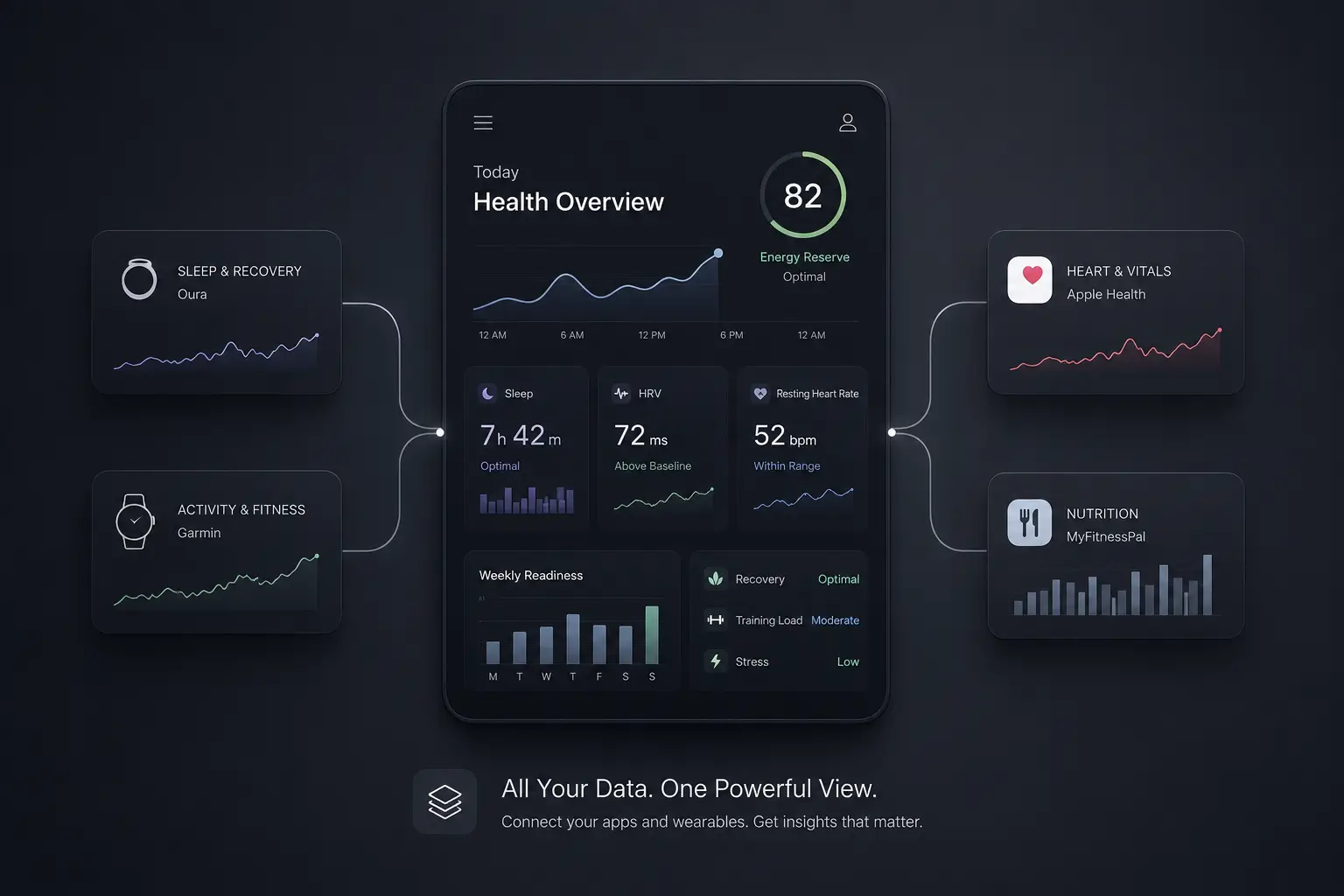
Unify data from all of your apps and wearables
Syncing Garmin to Health Connect is half the battle; the other half is making sense of the data. For a streamlined view of your health metrics without jumping between multiple platforms, Sonar offers a clean Android dashboard that brings your sleep, activity and recovery trends under one roof.
About Sonar
Your body is talking. Are you listening? Sonar unifies all of your wearables, lifestyle, and biomarker data to unlock personalized insights and detection once reserved for elite athletes and biohackers. Trusted by 250,000+ users across 170+ countries, Sonar helps you cut through the noise across sleep, recovery, stress, activity, and nutrition - so you can focus on what actually matters. Sonar isn't just another health tracker. Launched out of Columbia University in New York, it merges the latest medical, sports and data science with AI engines that continuously surface subtle shifts and patterns across millions of data points, helping you know when to push, when to pause, and where to focus next.
More to Explore
Get the latest from Sonar
Share your email to stay up-to-date with all things Sonar
- English
- Bahasa Indonesia
- Bahasa Melayu
- Català
- Čeština
- Dansk
- Deutsch
- English (Australia)
- English (Canada)
- English (UK)
- Español (España)
- Español (Latinoamérica)
- Español (México)
- Français
- Français (Canada)
- Hrvatski
- Italiano
- Magyar
- Nederlands
- Norsk
- Polski
- Português (Brasil)
- Português (Portugal)
- Română
- Slovenčina
- Slovenščina
- Suomi
- Svenska
- Tiếng Việt
- Türkçe
- Ελληνικά
- Русский
- Українська
- עברית
- العربية
- हिन्दी
- ไทย
- 한국어
- 日本語
- 简体中文
- 繁體中文
EN